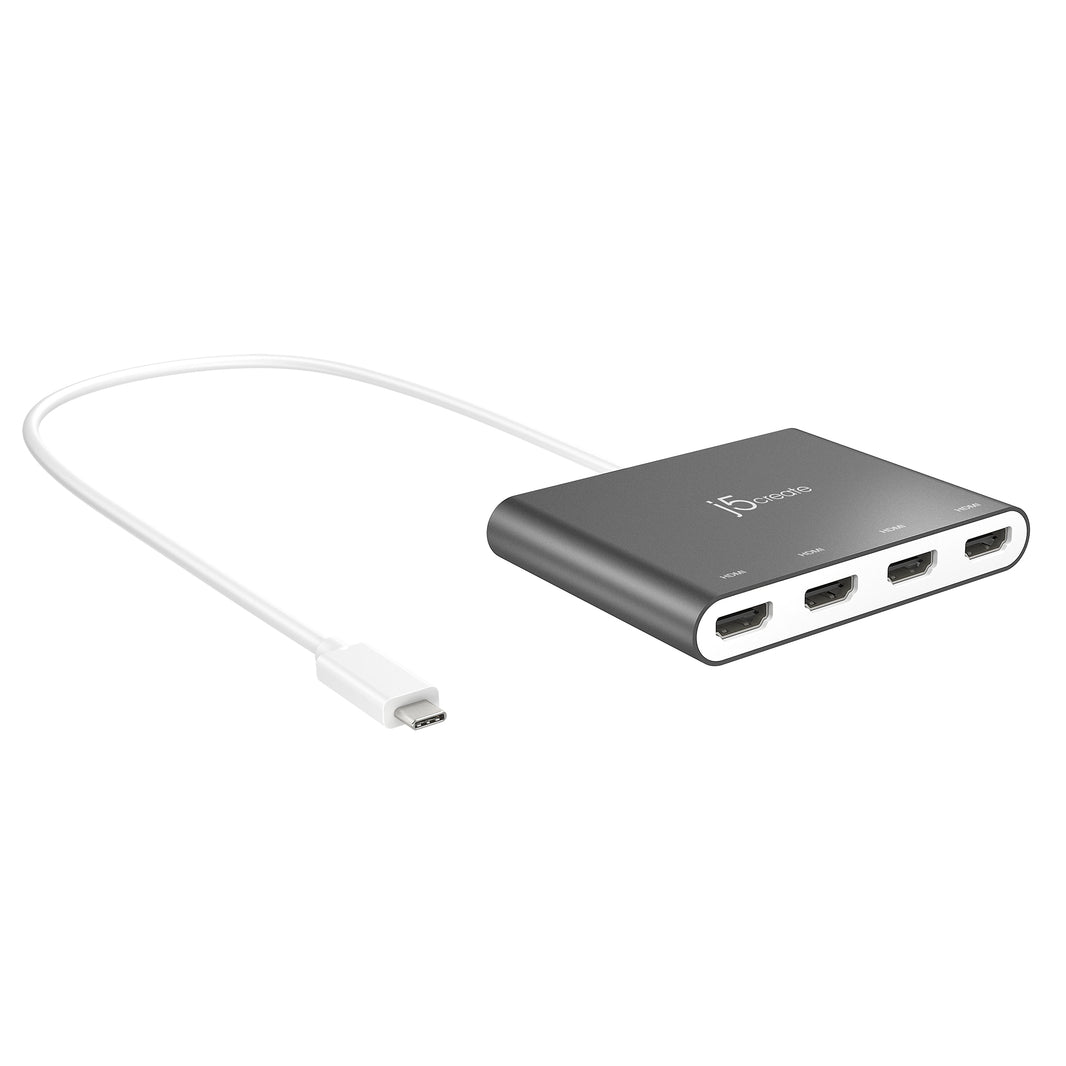
J5CREATE USB-C TO 4 PORT HDMI ADAPTER
- Easy connectivity
- High-quality visuals
Product Specification
Box Content
Documents
Technical Features
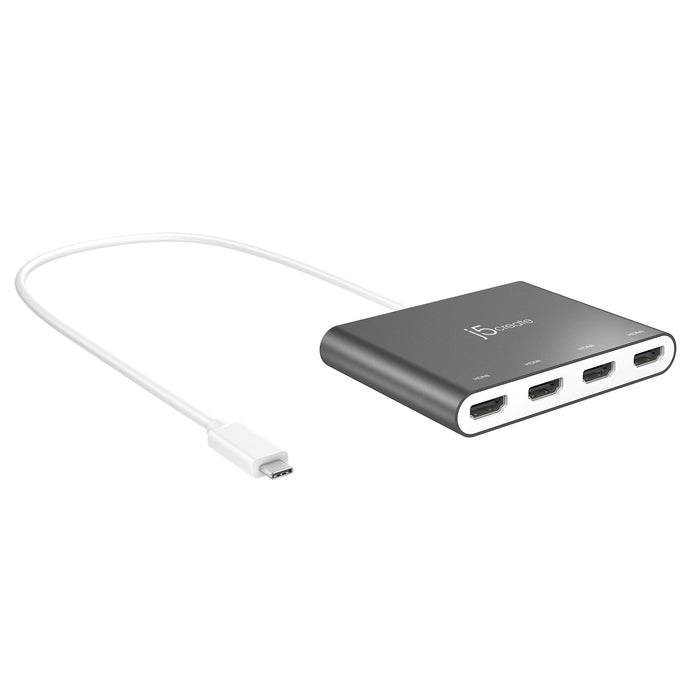
J5CREATE USB-C TO 4 PORT HDMI ADAPTER
Overview
The USB-C to 4-port HDMI Multi-Monitor Adapter functions as an external video card for your MacBook or personal computer. It allows you to add four additional monitors/displays through your USB-C port. This is the perfect alternative to a costly video card. With the JCA366, you can quickly install the driver with a simple USB-C plug-in. Afterwards, connect your device to your monitors using HDMI cables and you have just created a new visual environment in seconds. With this multi-monitor adapter, you can extend your desktop across multiple displays, clone one screen onto another and have individual applications displayed on each monitor. You can also enable additional features with the Multi-Monitor Assistant Application for your Windows devices.

Express next day
delivery for only £9*

Enjoy interest for 4 months
on purchases over £99

Never beaten on price with the
Xinix Price Match Promise

Algo 8189 SIP Surface Mount Ceiling Speaker

CNL 1.5M C14-C13 Bk PVC 0.75MM

EPOS EXPAND 40T Bluetooth Speaker - TEAMS

EPOS IMPACT 860T WIRED HEADSET

EZ-Path Grommet 25MM
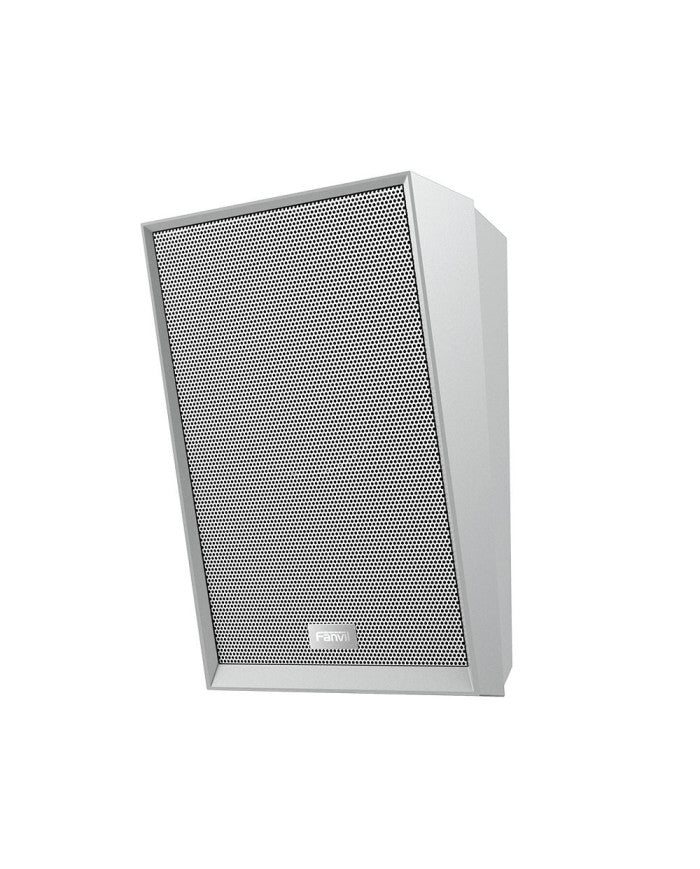
Fanvil A212 SIP Speaker White

Fanvil i16S

Fanvil KT20

CISCO CP-PWR-CORD-UK= POWER CORD

Net-cable Cat5e 0.5M Cable

Net-cable 10-metre Cat 5 Cable – Black

Net-cable 1-metre Cat 5 Cable – Blue

Net-cable 1-metre Cat 5 Cable – Green

Net-cable 1-metre Cat 5 Cable – Yellow

Net-cable 2-metre Cat 5 Cable – Grey