Skip to product information
Out of Stock
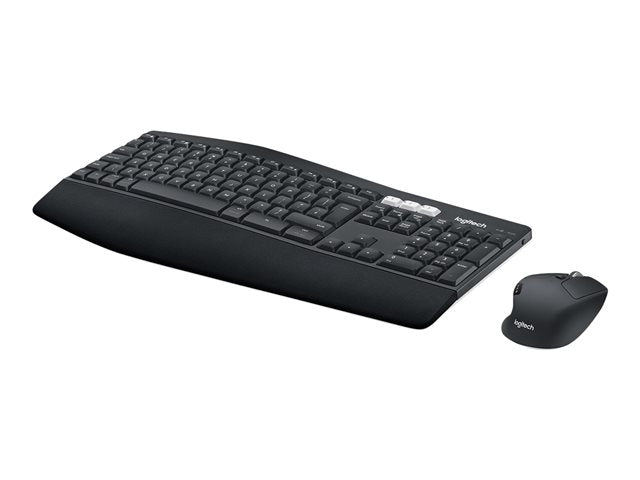
Logitech MK850 Performance
Regular price
£79.16 GBP
Sale price:
£79.16 GBP
Regular price:
(VAT Excl.)
Shipping calculated at checkout.
- Built for comfort
- Enhanced productivity
Out of stock
Product Specification
Box Content
Documents
Technical Features
Logitech MK850 Performance
Regular price
£79.16 GBP
Sale price:
£79.16 GBP
Regular price:
(VAT Excl.)
Overview
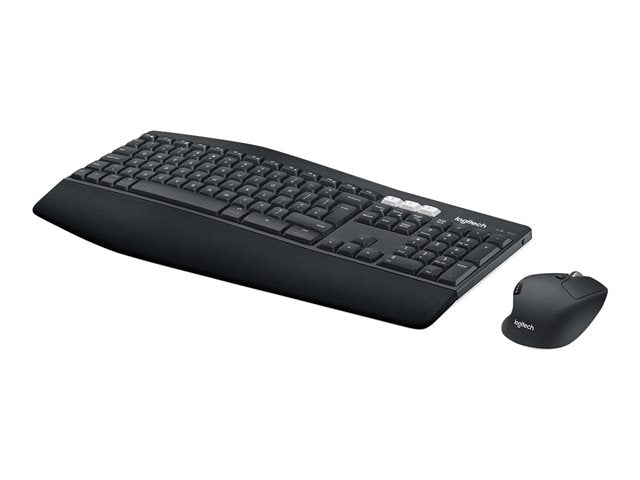
The Logitech MK850 Performance 920-008227 is a wireless keyboard and mouse combo designed for comfort and productivity, featuring a cushioned palm rest, curved keyframe, and contoured mouse. It allows you to connect and switch between up to three different devices (computer, tablet, phone) via a Unifying receiver or Bluetooth. Key features include long battery life (up to 36 months for the keyboard and 24 for the mouse) and a mouse with hyper-fast scrolling.


Shop by Brand
{
"loop": true,
"autoplay": {
"delay": 5000,
"disableOnInteraction": false,
"pauseOnMouseEnter": true
},
"speed": 1300.0,
"spaceBetween": 0,
"navigation": {
"nextEl": "#shopify-section-template--26845989896570__brand_image_8dgTTL .swiper-button-next",
"prevEl": "#shopify-section-template--26845989896570__brand_image_8dgTTL .swiper-button-prev"
},
"slidesPerView": 1,
"breakpoints": {
"240": {
"slidesPerView": 2
},
"992": {
"slidesPerView": 6
}
}
}